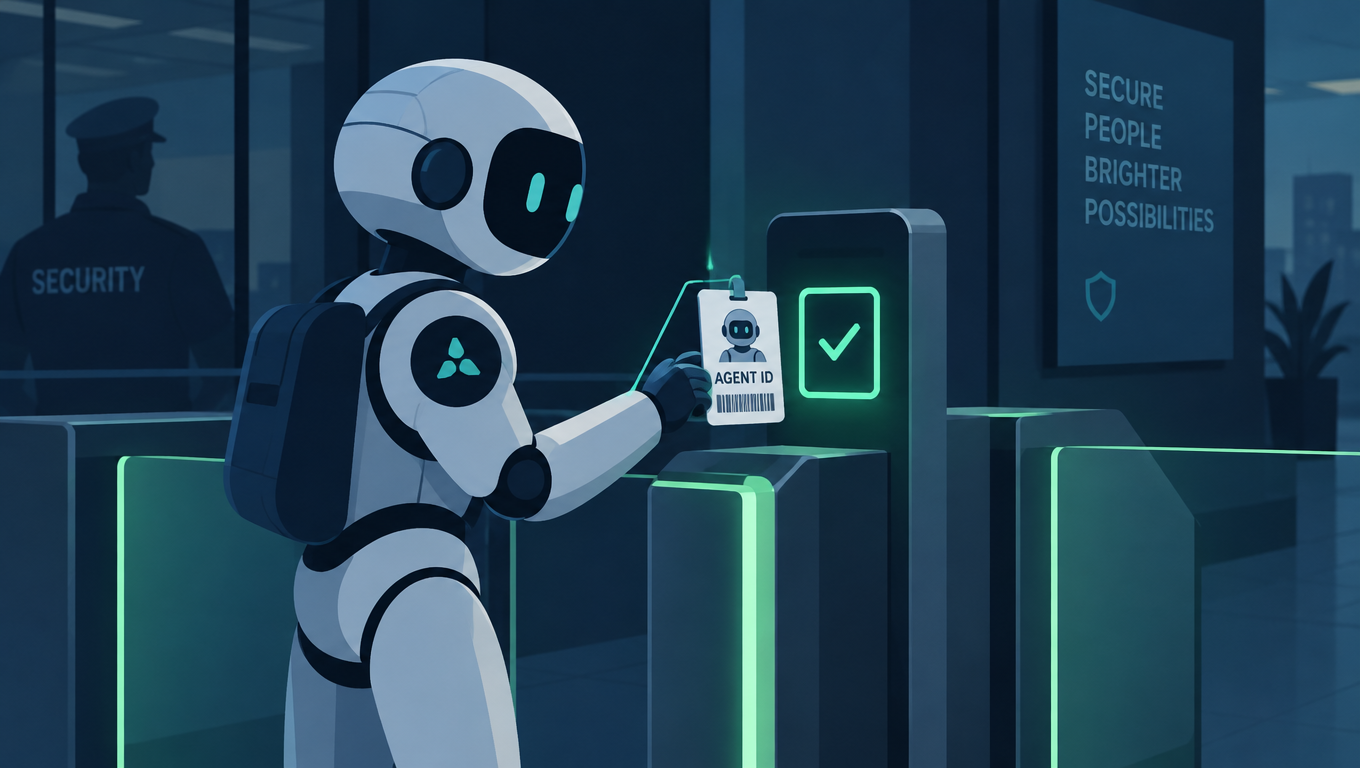
Most teams build an AI agent in the wrong order. They wire up the model, connect it to a mailbox or a SharePoint library, paste in a secret so it can authenticate, and ask questions about identity later. By then the agent is already doing work, and nobody can say precisely who it is.
The better sequence is the reverse: give the agent an identity first, then decide what it may touch. Microsoft Entra Agent ID is built around that idea. This article covers why the order matters, what the identity model looks like, and how to roll it out without stalling your agent projects.
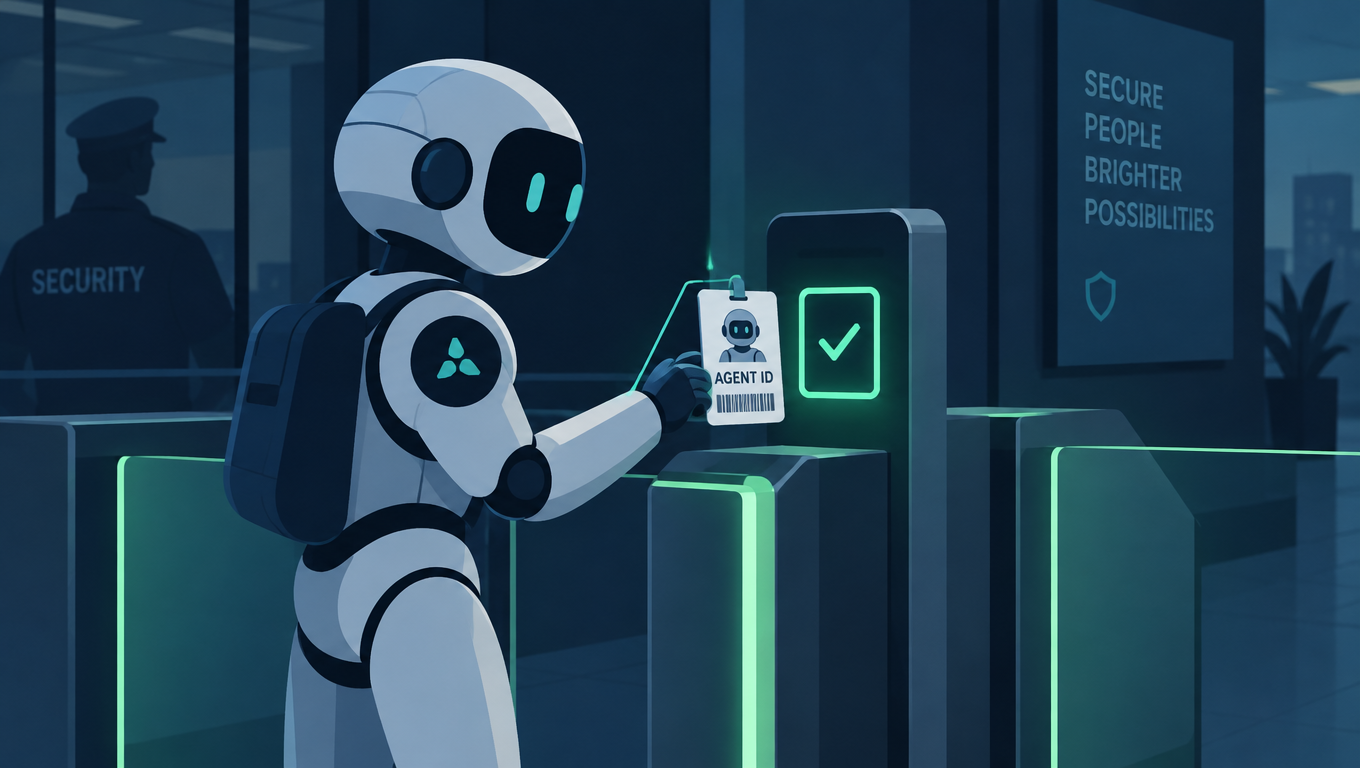
Why “access first, identity later” fails
An agent without its own identity has to borrow one. In practice it borrows a developer’s account, a shared service account, or an application registration whose secret sits in a config file. Each of these hides the agent behind someone else’s name.
Three common borrowed identities
- A human’s credentials. Audit logs show the person, not the agent. If the agent misbehaves, the person looks responsible.
- A shared service account. Ten agents act as one principal, so you cannot revoke one without breaking the rest.
- A generic app registration. It was designed for deterministic software, not for a system that decides at runtime which tools to call.
The difference matters because agents are not deterministic. A traditional integration calls the same API with the same payload. An agent chooses its actions, which means its permissions define the outer boundary of what a bad prompt, a poisoned document, or a model error can do.
The scale problem is already here
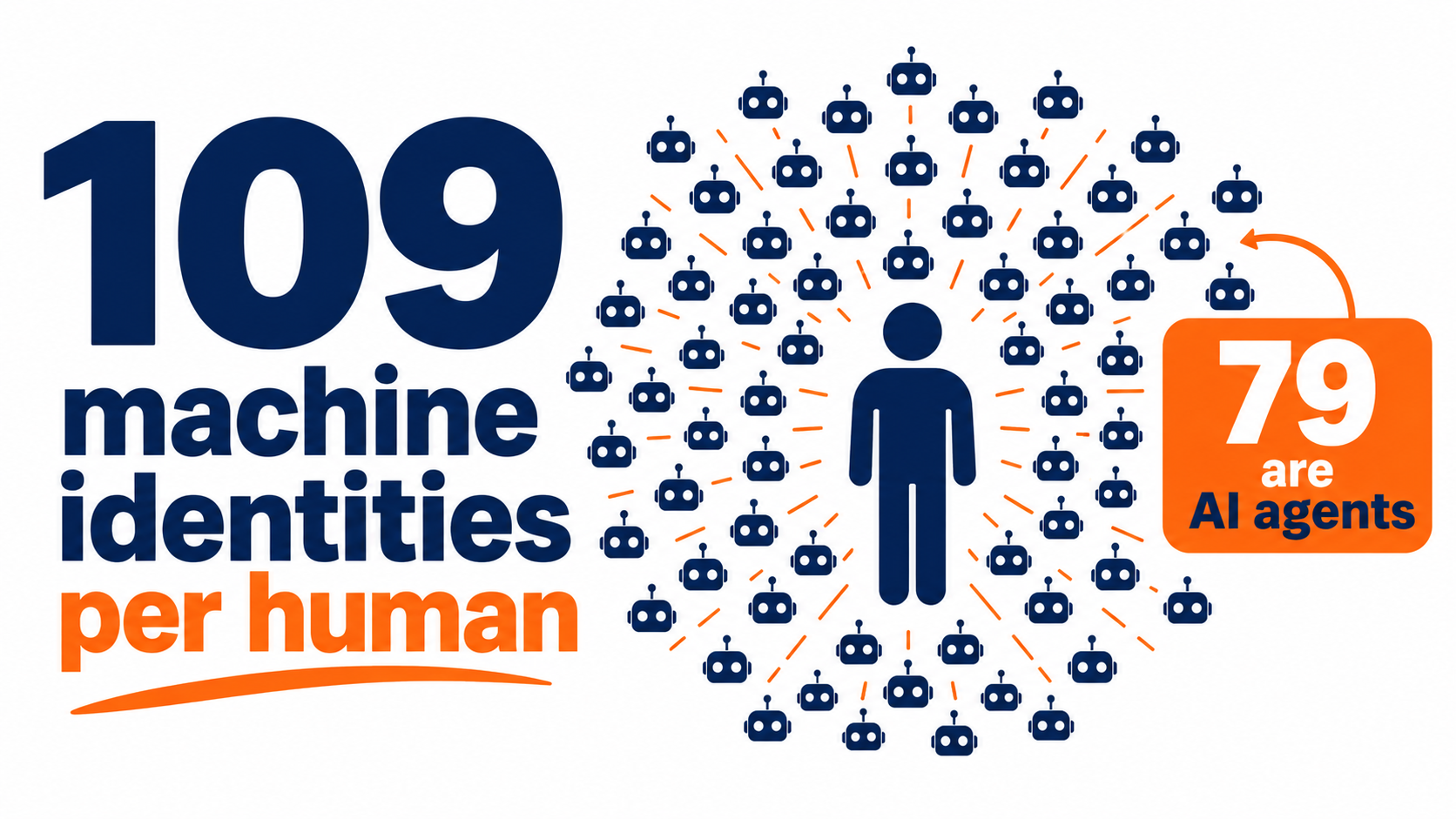
Palo Alto Networks’ 2026 research reports an average of 109 machine identities per human in surveyed organizations, including 79 AI-agent identities. Respondents expect agent identities to grow 85% over the next year, compared with 77% for other machine identities and 56% for humans.
The same body of research points to a governance gap. The survey found 99% of organizations use autonomous agents, and roughly 40% of agents and machine identities can reach organizational data. Only 39% of privileged access is handled through just-in-time or zero-standing-privilege controls.
Netwrix reports that only 19% of organizations fully govern non-human identities, 64% have some over-provisioned access to critical data, and 76% cannot promptly revoke unnecessary standing access. These are vendor surveys, so treat the exact percentages as directional. The pattern across them is consistent: agents are multiplying faster than the controls around them.
What Entra Agent ID actually is
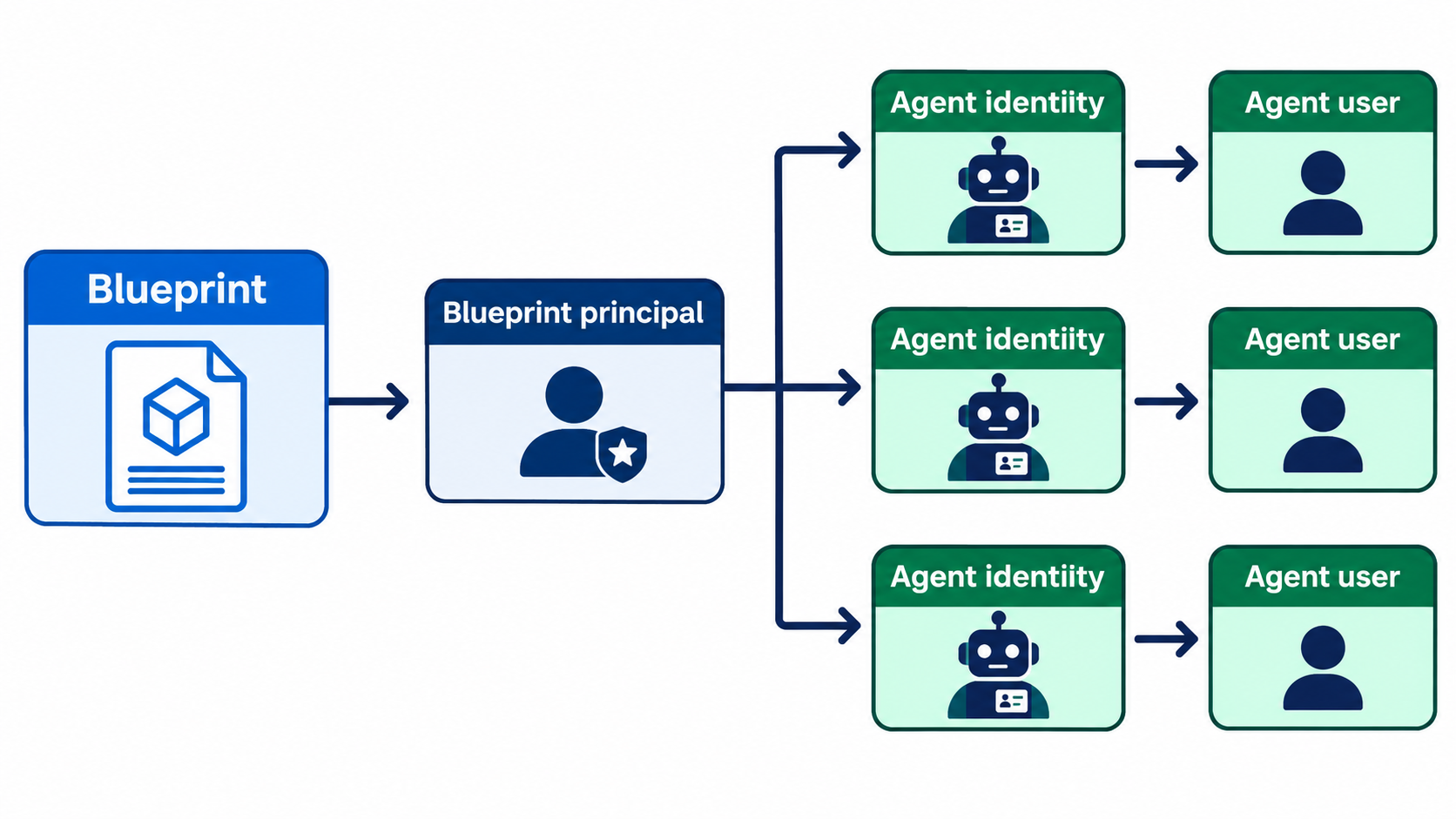
Microsoft Entra Agent ID treats agents as first-class identities in the directory rather than as application credentials with extra steps. Microsoft’s documentation describes four object types that work together.
The four objects
- Agent identity blueprint: a reusable template holding shared metadata, authentication settings, and credentials.
- Blueprint principal: the principal that represents the blueprint inside your tenant.
- Agent identity: the identity an individual agent uses to authenticate and request access.
- Agent user: a user-like account for agents that need to appear as a user, for example to have a mailbox or join a Teams channel.
Not every agent needs all four. Many will need only a blueprint and an agent identity. The agent user exists for cases where a downstream system insists on a user object.
Create the blueprint before you deploy
The blueprint is where governance scales. Microsoft’s guidance is to create blueprints before deployment, because controls applied to a blueprint cover every identity derived from it, including ones created later. Administrators can apply Conditional Access, disable agents, or revoke permissions across a whole blueprint at once.
Single-instance versus multi-instance
Microsoft now documents single-instance and multi-instance blueprints. A multi-instance blueprint can create a fleet of agents, each with a distinct client ID, which suits shared-runtime deployments where many agents run on one platform but should still be separately identifiable.
A practical example
Microsoft’s own illustration is a sales-assistant fleet: several regional agents share one blueprint. An administrator can apply one consistent policy to all of them, or disable the entire class if a problem appears. Note that Microsoft’s material here is largely documentation and demonstrations, not independent customer case studies, so test the pattern in your own tenant.
How to group blueprints
Group by function and risk, not by team. A blueprint for “read-only knowledge agents” and another for “agents that send external email” give you very different policy surfaces. Mixing them forces you to write policy for the riskiest member.
Shared secrets versus governed identity
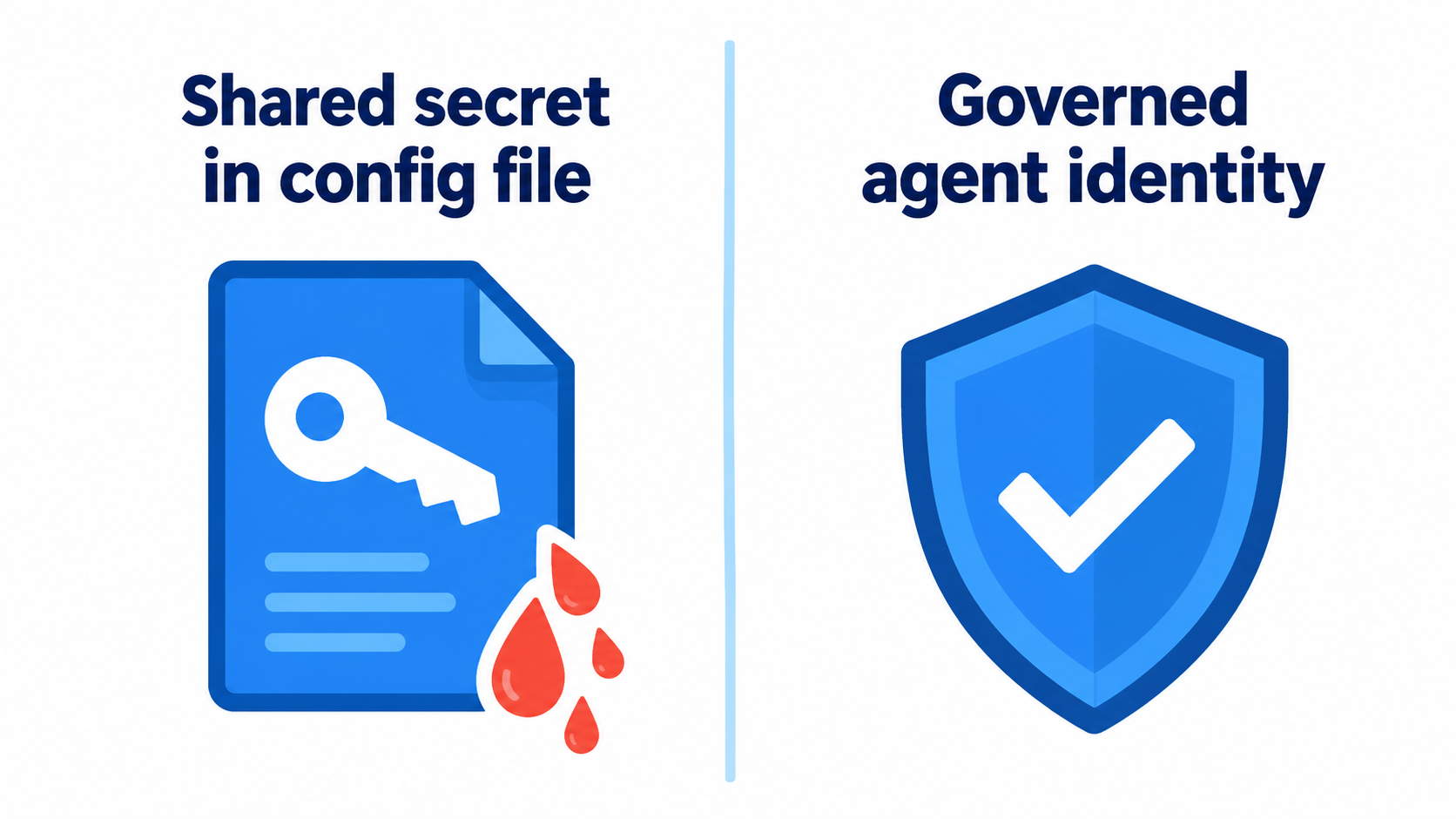
Long-lived credentials remain more common than just-in-time authorization, and 73% of decision-makers in one survey said standing access for non-human identities raises risk. A secret in a file has no owner, no expiry that anyone checks, and no context about who is using it.
A governed identity changes four things:
- Attribution. Sign-in and audit logs name the agent.
- Policy. Conditional Access can evaluate the agent, not just a person.
- Revocation. You can disable one agent, or one blueprint, without touching anything else.
- Ownership. Someone is recorded as responsible for the agent.
Conditional Access built for agents
Entra’s Conditional Access can now target individual agents, all agent identities, or a blueprint. Policies assigned to a blueprint automatically cover existing and future child identities. Microsoft also describes templates for autonomous agents, agents acting on behalf of users, and high-risk agent identities.
Policies worth writing first
- Block high-risk agents. Use risk signals to stop an agent identity that looks compromised.
- Separate environments. Use custom security attributes to mark production and non-production agents, then block non-production agents from production resources.
- Scope by data sensitivity. Tag resources and agents, and allow access only where the labels match.
Microsoft recommends separating policy targeting from permission grants, and writing agent-specific policies rather than reusing user-targeted ones. A user policy built around MFA prompts makes little sense for a process that cannot answer a prompt.
Autonomous agents and on-behalf-of agents are different risks
An autonomous agent acts under its own authority. An on-behalf-of agent acts with delegated rights from a signed-in user. They need different controls.
Autonomous agents
Their permissions are the whole story. Whatever the agent is granted, it can use at any time. Keep grants narrow and time-bound, and monitor them closely.
On-behalf-of agents
Here the effective access is bounded by what the user can do, which is helpful, but it also means the agent inherits that user’s reach. A senior employee’s agent can see more than a junior’s. Decide deliberately whether the agent should receive the full user scope or a trimmed one.
Why the split matters for audits
When reviewers ask “who did this?”, the answer should distinguish the agent acting alone from the agent acting for Alex. Separate identity types make that answer readable.
Least privilege and lifecycle
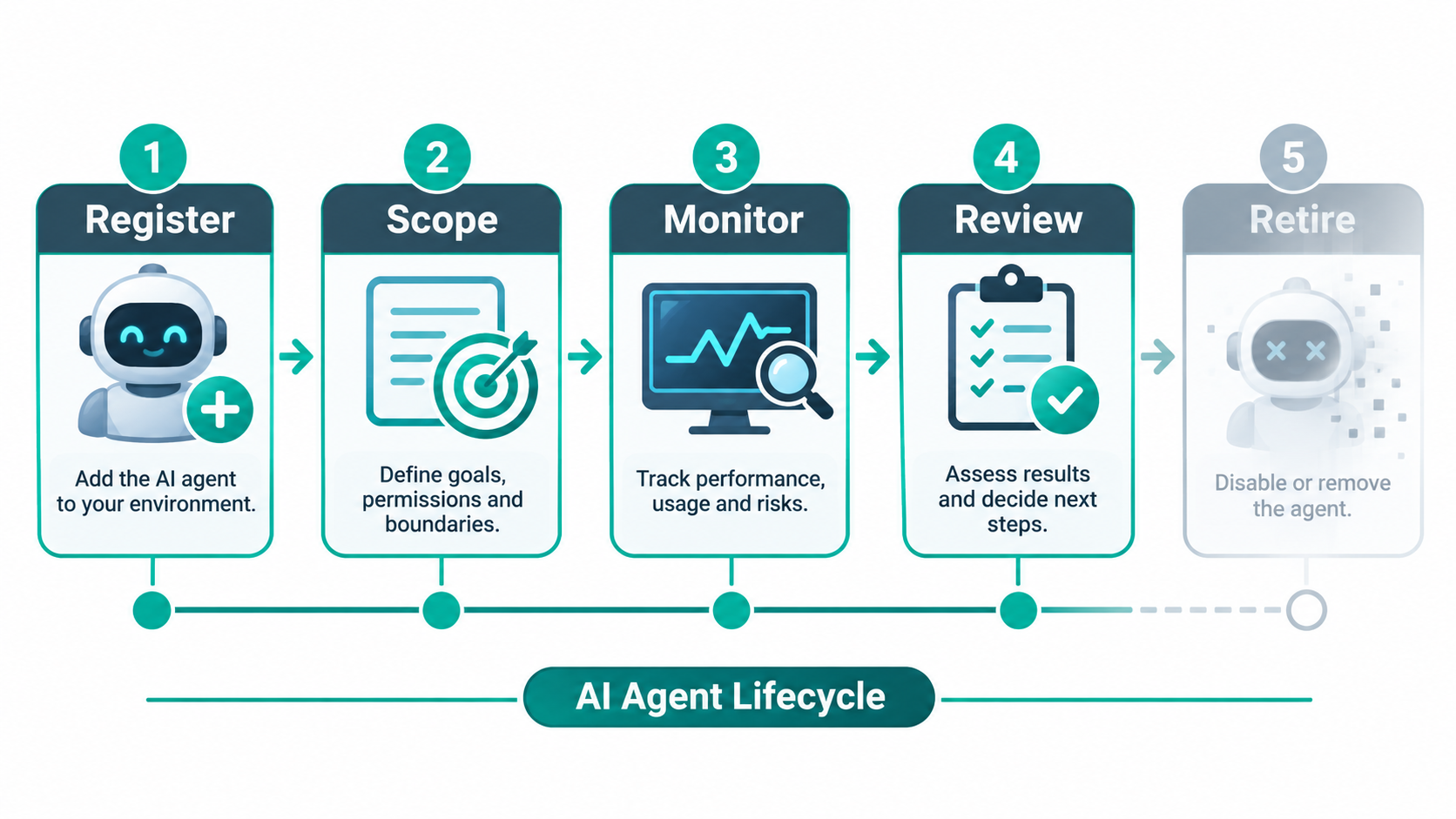
Identity first only helps if access is then granted sparingly. Start an agent with nothing, add the specific scopes it needs, and review them on a schedule. Pilots tend to collect permissions because loosening access is easy and tightening it feels risky.
Plan for retirement on day one
Abandoned workload identities become “zombie” accounts: still valid, no longer watched. Reporting suggests only 65% of organizations fully register, authenticate, and authorize AI identities centrally, so some agents are likely running outside any inventory. Record an owner and a review date when you create each agent, and disable agents that miss their review.
A rollout plan you can start this month
- Inventory. List existing agents, the credentials they use, and the data they reach.
- Define blueprints. Two or three, split by risk.
- Move new agents first. Require an agent identity as a gate before any data connection is approved.
- Apply baseline policy. Block high-risk agents and separate production from non-production.
- Migrate legacy agents. Replace shared secrets, starting with the agents that reach the most sensitive data.
- Review quarterly. Remove unused permissions and retire idle agents.
Treat the identity step as a launch checklist item, the same as a security review. If an agent has no identity, it does not get access. That one rule changes behavior more than any policy document.
Conclusion: identity is the cheapest control you have
You cannot govern what you cannot name. Giving each agent an Entra identity, grouped under blueprints and covered by agent-specific Conditional Access, makes attribution, revocation, and review possible before the first permission is granted.
Key takeaways:
- Create the identity before the access, not after the incident.
- Build blueprints first so policy covers future agents automatically.
- Treat autonomous and on-behalf-of agents as separate risk classes.
- Start with minimal permissions and schedule retirement from the start.
Check Microsoft’s current documentation for which features are generally available and which remain in preview, since parts of the blueprint model have been changing.
Leave a Reply