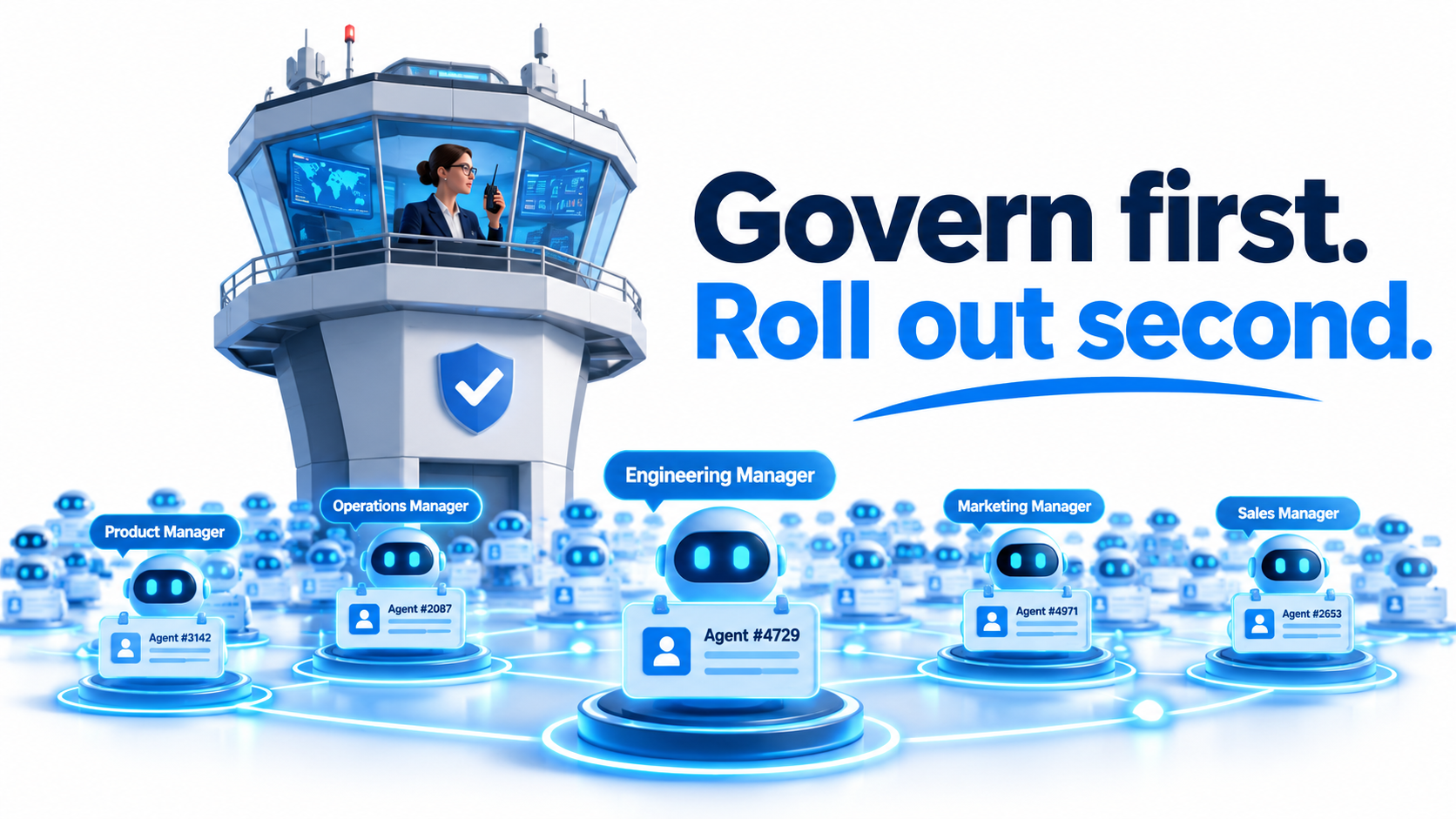
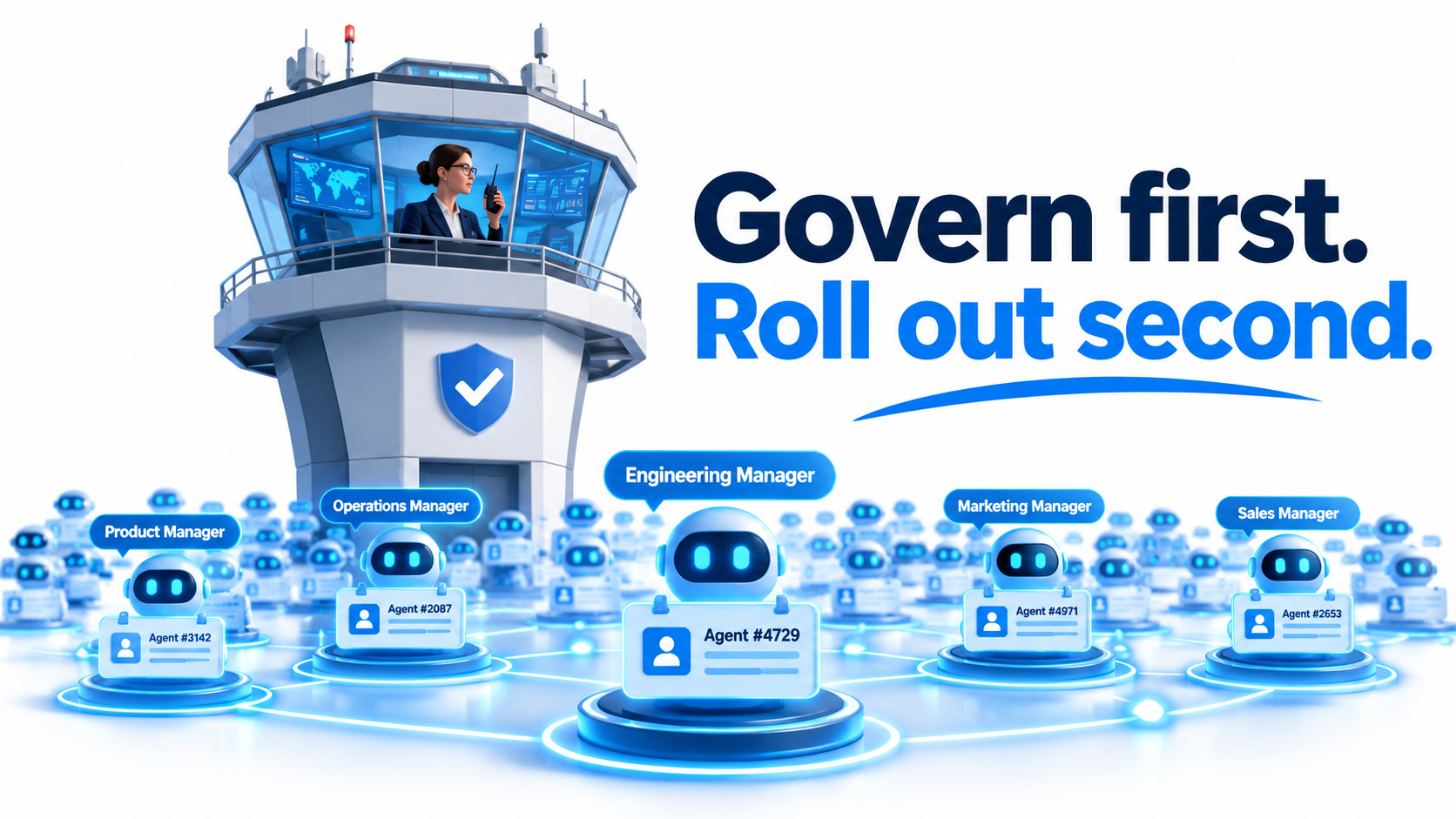
Most teams treat an AI agent rollout as a feature launch. Turn it on, train a pilot group, collect feedback. With Microsoft’s Autopilot agents, that sequence gets the risk backwards.
An Autopilot agent does not wait for a prompt. It runs recurring, multistep work across departments, touches real data, and takes real actions. The question is no longer “is the answer good?” It is “who is accountable for what this thing did at 3 a.m.?”
Microsoft has built much of the answer into the platform: each agent gets a Microsoft Entra Agent ID, a named manager, scoped permissions, auditable activity, and the ability for administrators to block it. But the tooling only works if your organisation has made the decisions the tooling expects. This article covers those decisions, in the order they should be made, so governance exists before the first agent goes live.
Why Autopilot Changes the Governance Question
Classic Microsoft 365 governance is user-centric. You decide what a person can see, share, and do, and you trust that person to exercise judgment. Copilot in its assistant form fits this model because a human reviews every output.
Autopilot agents break the assumption. They act on a schedule or a trigger, and the human may only see the result afterward. Microsoft’s own framing, reflected in comments attributed to Satya Nadella, is that models should not govern themselves. The design principle is to separate model intelligence from operational authority: limit what an agent may do instead of assuming it behaves well.
From user controls to agent controls
That shift moves governance to four things: identity, permissions, monitoring, and accountability. Each is an organisational decision before it is a technical setting. If nobody has decided who owns an agent, no admin console can fix that.
Scale arrives faster than expected
Microsoft says Agent 365 provides visibility into more than 500,000 agents inside its own environment, with ownership, lifecycle, usage, and risk metadata. State Farm reportedly started with risk-assessed Copilot Studio solutions (41 in production) and grew to more than 3,000 agent identities. Agents multiply. A governance model that works for five agents but not for five thousand is a pilot artifact.
The Governance Gap: What the 3% Do Differently
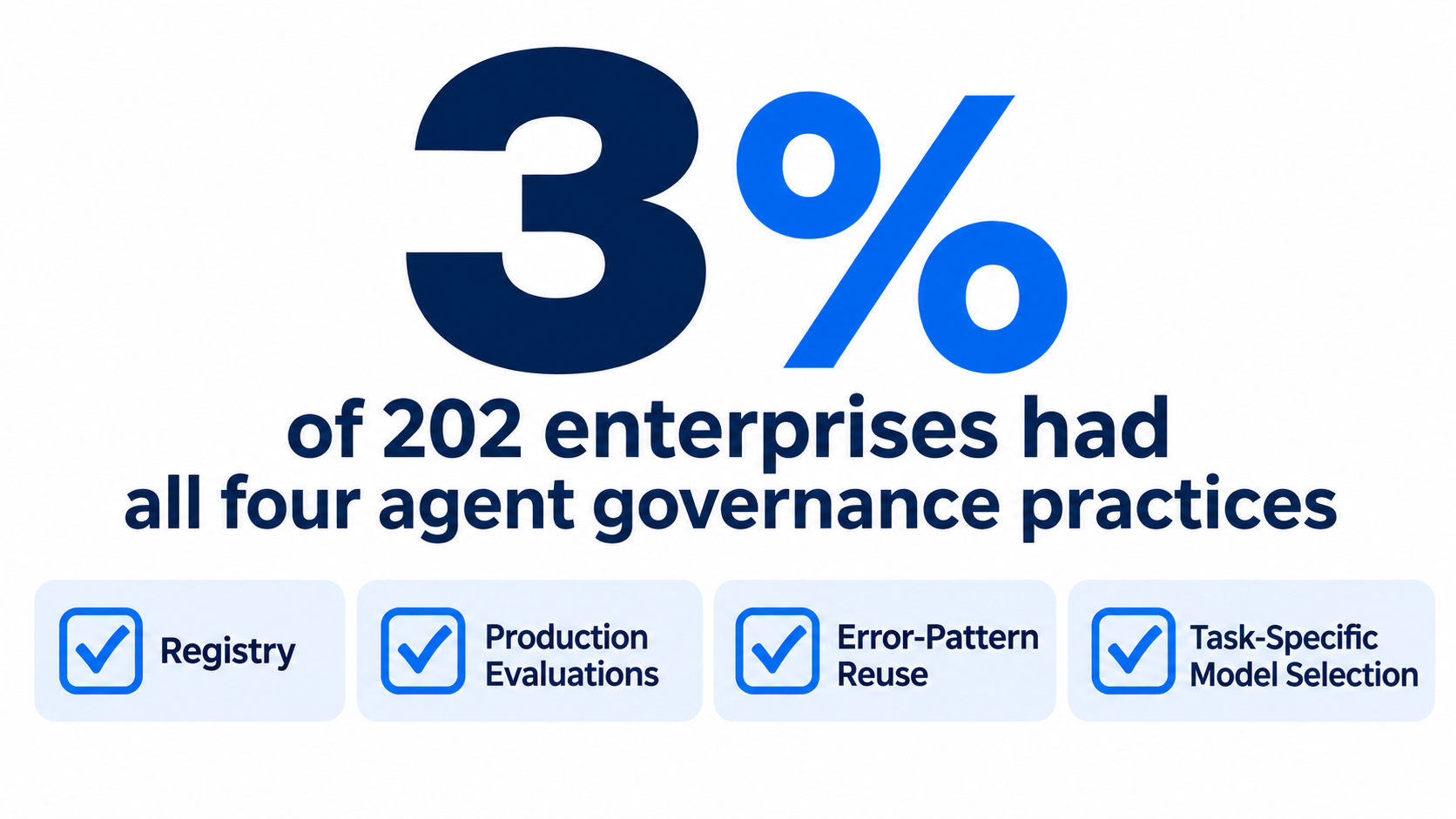
A Microsoft study of 202 enterprises found that only six companies, 3%, had all four core governance practices in place:
- An agent registry: a single inventory of what exists.
- Production-triggered evaluations: quality checks that run on live behavior, not just pre-launch tests.
- Error-pattern reuse: failures feed back into fixes across agents.
- Task-specific model selection: matching the model to the job instead of using one default.
Note what is on this list and what is not. None of the four are about writing better prompts. All of them are operating disciplines. They also make a useful self-assessment: if you cannot answer “how many agents do we have and who owns them?” you are missing the first one.
Step One: Treat Every Agent as an Identity
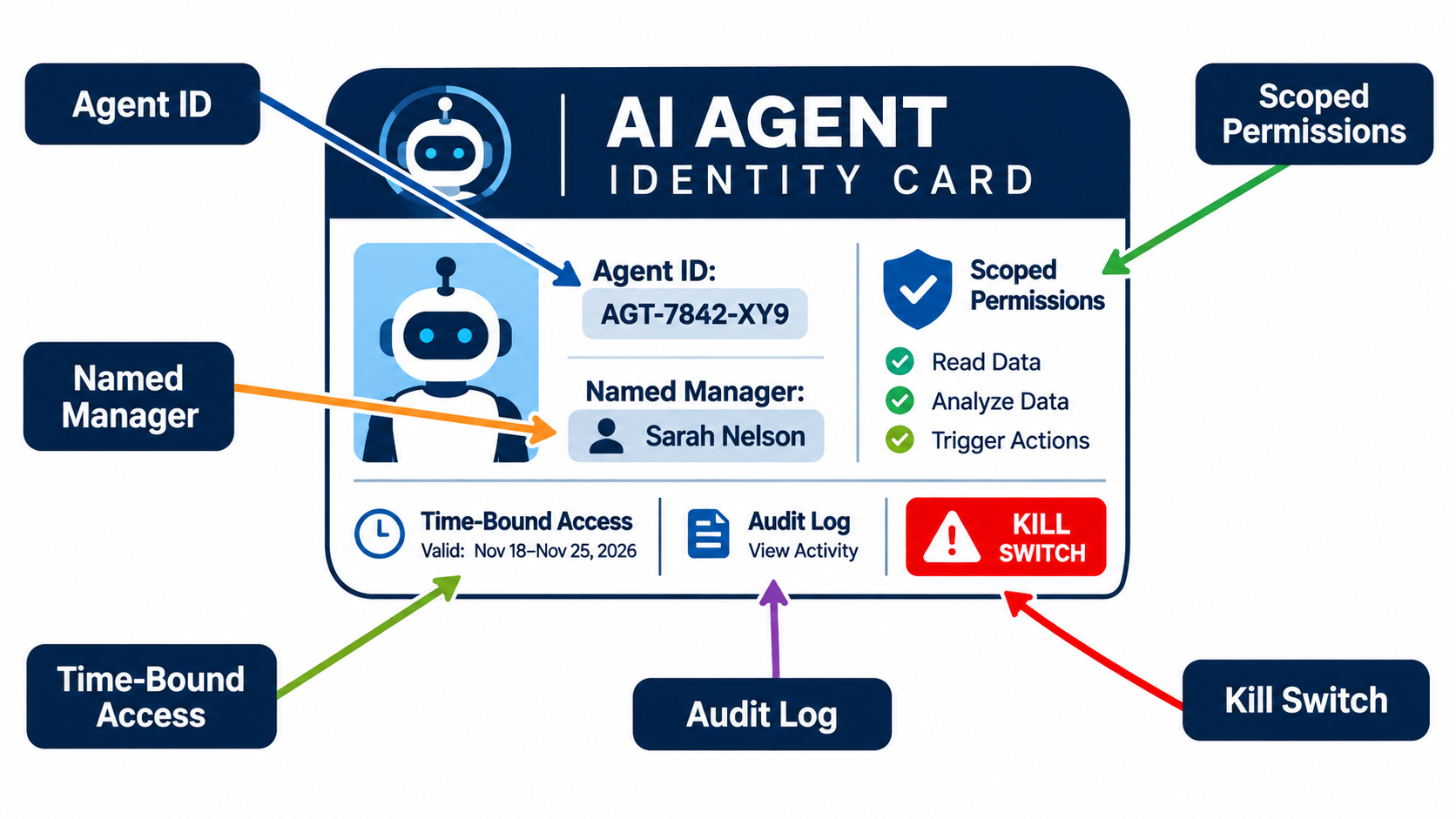
Entra Agent ID is now the identity layer for authenticating, authorizing, and protecting agents. Microsoft reports that Copilot Studio automatically creates an Agent ID for each new agent, replacing legacy app registrations for new deployments, and that older agents are being migrated progressively. Reports also indicate that tenant-level opt-out is no longer available, so verify the current behavior in your own tenant’s message center.
What an agent identity gives you
- Agent-specific Conditional Access policies.
- Lifecycle management, including access packages for autonomous and on-behalf-of scenarios.
- Centralized audit logging of sign-ins and actions.
- Scoped connector and API permissions that you can see.
- The ability to revoke access quickly.
The pitfall: shared service accounts
Before distinct agent identities, many teams ran automations under a shared service account or a creator’s personal credentials. If any of those still exist, Autopilot is the moment to retire them. An action log that says “service account did this” cannot support an investigation.
Decision to make now: will every agent in your tenant, including those built on other platforms, be required to hold a registered identity? Microsoft says governance is extending to agents from OpenAI, Anthropic, Salesforce, Databricks, and others, so write the policy to be platform-neutral.
Step Two: Name a Human Manager for Every Agent
Autopilot agents are assigned a named manager. That field is easy to fill with an IT mailbox and forget. Resist that.
A useful manager is a business owner who understands the process the agent runs and can say whether its output is right. A sponsor who left the company is the single most common way agents become orphans.
What the manager is accountable for
- Approving the agent’s scope and permissions at launch.
- Reviewing activity and exceptions on a set cadence.
- Re-certifying the agent, or retiring it, at each lifecycle review.
- Answering for incidents.
Handle ownership changes in advance
Tie the manager field to your HR leaver and mover process. When a manager changes role, the agent should trigger a reassignment task automatically. Otherwise your registry fills with agents whose owners cannot be reached.
Step Three: Define the Layered Admin Model
Microsoft’s guidance splits responsibility across roles, and your rollout should mirror it:
- Power Platform admins govern environments and connectors.
- Entra administrators manage agent identities and access.
- AI administrators use Agent 365 for estate-wide inventory, observability, ownership, and security triage.
The failure mode is three teams each assuming another one is watching. Write a short RACI: who approves a new connector, who approves a new agent identity with access to a sensitive group, and who responds when Agent 365 flags a risk. Agent 365, now generally available, is positioned as the control plane that ties these views together, but it displays decisions rather than making them.
Step Four: Scope Permissions Like You Don’t Trust the Agent
Least privilege is old advice, but agents punish sloppy scoping because they act at machine speed and chain actions together.
Start from the task, not the platform
List the exact actions the workflow needs: read these mailboxes, write to this list, create these records. Grant only those. Prefer time-bound permissions for sensitive access, which Microsoft’s model supports, so access expires unless renewed.
Use connector controls and DLP
Data loss prevention policies at the environment level decide which connectors can be combined. A common rule: a connector that touches confidential data must not sit in the same agent as one that sends data outside the company. Set these rules per environment, with a stricter environment for agents handling regulated data.
Check reachable data, not only assigned data
An agent can reach whatever its identity can reach. Overshared SharePoint sites and broad Teams memberships quietly widen that reach. Purview labeling and a permissions cleanup before rollout matter more than any agent setting. The agent inherits your existing sprawl.
Step Five: Build a Rollout Ladder With Human Gates
Not every agent deserves the same freedom. Define autonomy levels and make agents earn each one.
- Observe: the agent reads and summarizes, takes no action.
- Propose: the agent drafts actions that a human approves.
- Act with limits: the agent acts on low-risk, reversible tasks, with sensitive actions still requiring human approval.
- Act broadly: reserved for well-measured workflows with a clean record.
Microsoft’s model supports human approval for sensitive actions, so decide in advance what counts as sensitive: payments, external communications, deletions, changes to access, anything customer-facing and irreversible. Write the list down. Promotion up the ladder should require evidence, such as an error rate over a defined period.
Pick a first use case that forgives mistakes
Internal, high-volume, rule-bound work is the best start. HR policy questions, IT self-service, and journal processing are examples cited by Microsoft customers. EY’s PowerPost agent, built with Copilot Studio, reportedly cut journal-processing lead time by 95% and costs by 37%. Those are vendor-reported figures, so treat them as signals about where agents fit, not as forecasts for your organisation.
Step Six: Prepare for Runtime Risk, Not Just Launch Risk
An approval at launch decays. Data changes, connectors update, and people add capabilities. Microsoft announced Dynamic Agent Risk in preview, which combines runtime signals, permissions, reachable data, and potential impact across Entra, Defender, Purview, and the Microsoft 365 admin center. Because it is a preview feature, confirm availability and behavior before building a process around it.
What to monitor regardless of tooling
- Permission changes after launch.
- Unusual volumes or timing of actions.
- New data sources or connectors added.
- Failed or repeated approvals.
- Agents with no activity (retirement candidates).
Rehearse the kill switch
Administrators can block or revoke an agent. Practice it. Decide who can pull the switch without waiting for a committee, and what the business fallback is when the agent stops. A control nobody has tested is a hope.
Step Seven: Measure Business Value Alongside Risk
Governance that only says “no” gets bypassed. Agent 365 includes business-value measurement, and that matters, because retirement decisions need a value side to weigh against the risk side.
For each agent, record the process it replaces, the baseline time or cost, and the quality measure. Reported outcomes show why this is worth doing: Tahaluf reported more than 900% ROI over 13 months from Copilot, and ORTEC says some engineering work shrank from about three months to one week. Both are self-reported, but they show what organisations expect to track.
Pair each value metric with a risk metric, such as exceptions, escalations, and incidents. An agent saving hours while generating a stream of corrections may be net negative.
Governed vs. Ungoverned: What It Looks Like in Practice
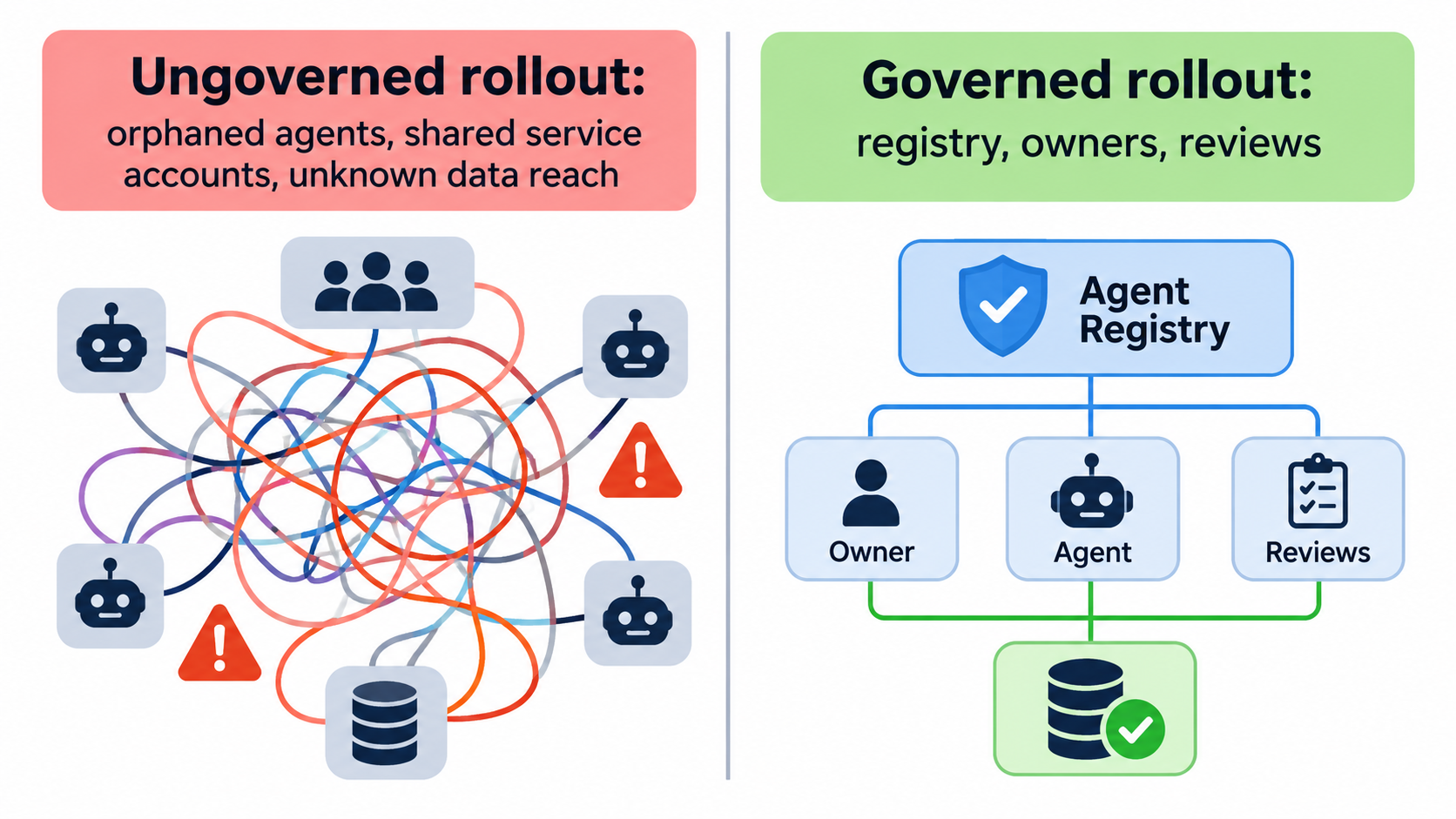
The difference shows up in six months, not on day one.
- Ungoverned: agents built by enthusiasts, owners unknown, credentials shared, nobody sure what data they reach, incidents investigated by guesswork.
- Governed: every agent registered, owned, scoped, reviewed on a schedule, with a known path to approval and a known path to shutdown.
State Farm’s account is instructive: risk assessments came before the 41 production solutions, and alignment with risk teams and approval paths supported scaling to thousands of identities. Governance was how they scaled, not what slowed them down.
A 30/60/90-Day Plan Before Broad Rollout
Days 1-30: Foundations
- Inventory existing agents, flows, and app registrations used for automation.
- Confirm how Entra Agent ID is provisioned in your tenant and plan migration of legacy agents.
- Write the RACI across Power Platform, Entra, and AI administration.
- Clean up oversharing in the data sources your first agents will touch.
Days 31-60: Policy and pilot
- Set DLP policies and Conditional Access for agents.
- Define sensitive actions and approval requirements.
- Launch two or three agents at the Observe or Propose level, each with a business manager.
- Stand up the registry and review cadence.
Days 61-90: Prove it and promote
- Review value and risk metrics for each pilot agent.
- Rehearse a revoke-and-fallback drill.
- Promote agents that earned it; retire those that did not.
- Publish an intake process so new agents follow the same path.
Common Mistakes to Avoid
- Waiting for perfect policy. Start with a minimum set and tighten it. Shadow agents appear when governance is absent.
- Assuming defaults are enough. Automatic identity creation gives you identity, not ownership or scope.
- Governing only Microsoft-built agents. Your estate will include agents from other vendors.
- One-time approvals. Schedule re-certification.
- No retirement path. Unused agents keep their access until someone removes it.
Conclusion: Governance Is the Rollout
Microsoft has supplied the mechanics: Entra Agent ID, named managers, scoped and time-bound permissions, audit logs, DLP, risk assessment, and revocation through Agent 365. What it cannot supply is your decisions. Who owns each agent, what it may touch, what needs human approval, and when it gets switched off are organisational calls.
Your actionable takeaways:
- Require a registered identity and a named business manager for every agent.
- Fix data oversharing before agents inherit it.
- Define sensitive actions and require human approval for them.
- Start agents at Observe or Propose and promote on evidence.
- Monitor at runtime, and rehearse the kill switch.
- Track value and risk for each agent together.
With only 3% of surveyed enterprises covering all four core practices, doing this work first is a real advantage. Note that feature availability and preview status change quickly, so check Microsoft’s current documentation before you finalize your plan.
Leave a Reply